01
Design control without the blank canvas problem
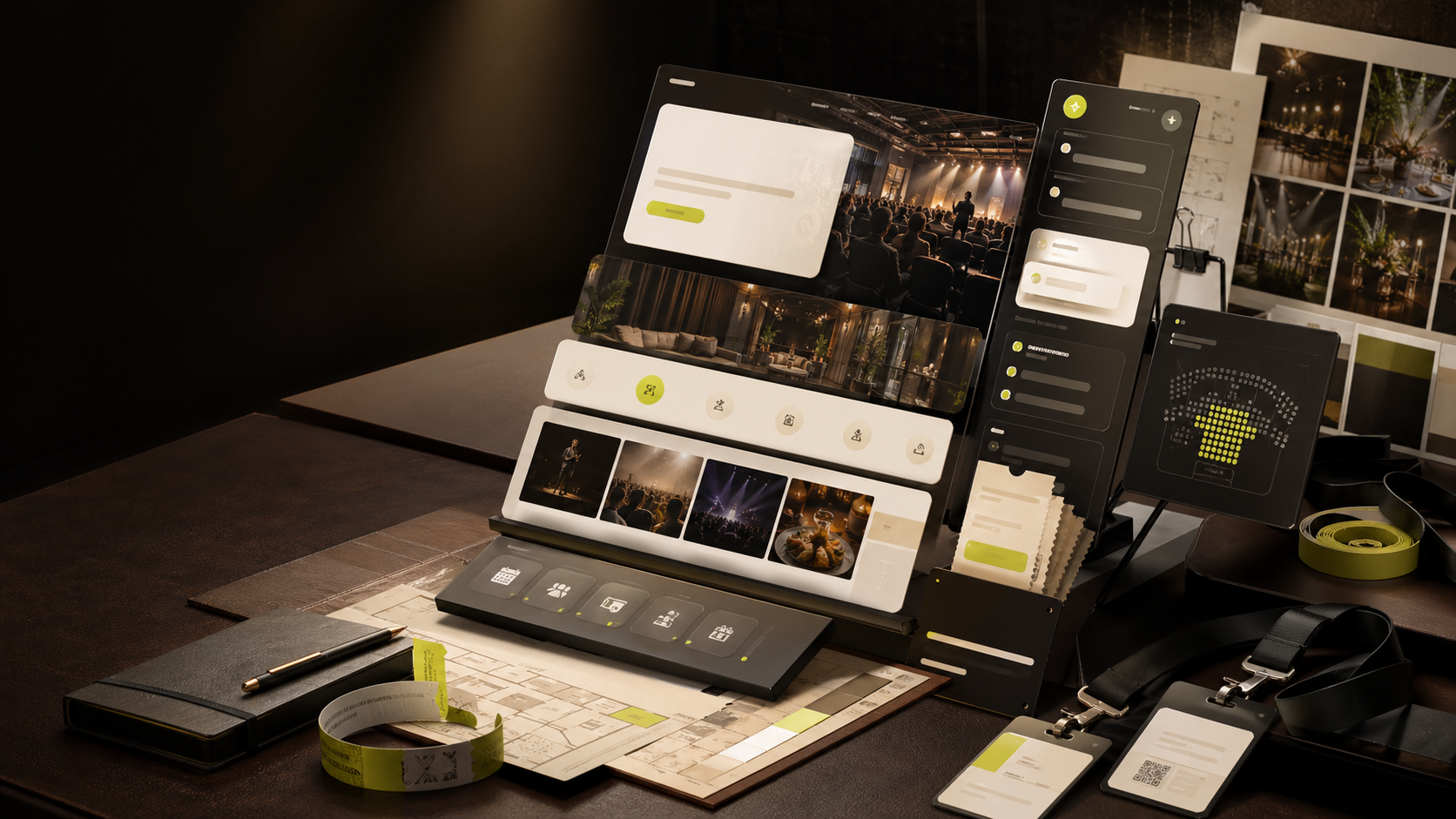
Compose hero, details, schedule, location, sponsors, tickets, coupons, and guest questions as launch-ready sections instead of rebuilding the same event page every time.
EventGo is now free for everyone! Go create your next free AI-powered event!
EventGo Design
The first serious design surface for event organizers: compose the page, tune the brand, add tickets, refine with AI, preview the guest experience, and turn the same event data into launch promotion.
EventGo Design brings the pieces organizers actually need into one workspace: page structure, visual direction, content quality, event operations, and launch promotion.
Compose hero, details, schedule, location, sponsors, tickets, coupons, and guest questions as launch-ready sections instead of rebuilding the same event page every time.
Ask for sharper copy, cleaner schedules, better ticket tiers, or visual direction while EventGo Design keeps the event data structured.
Templates, typography, color, background, and module styling stay aligned between the editor preview and the public event page.
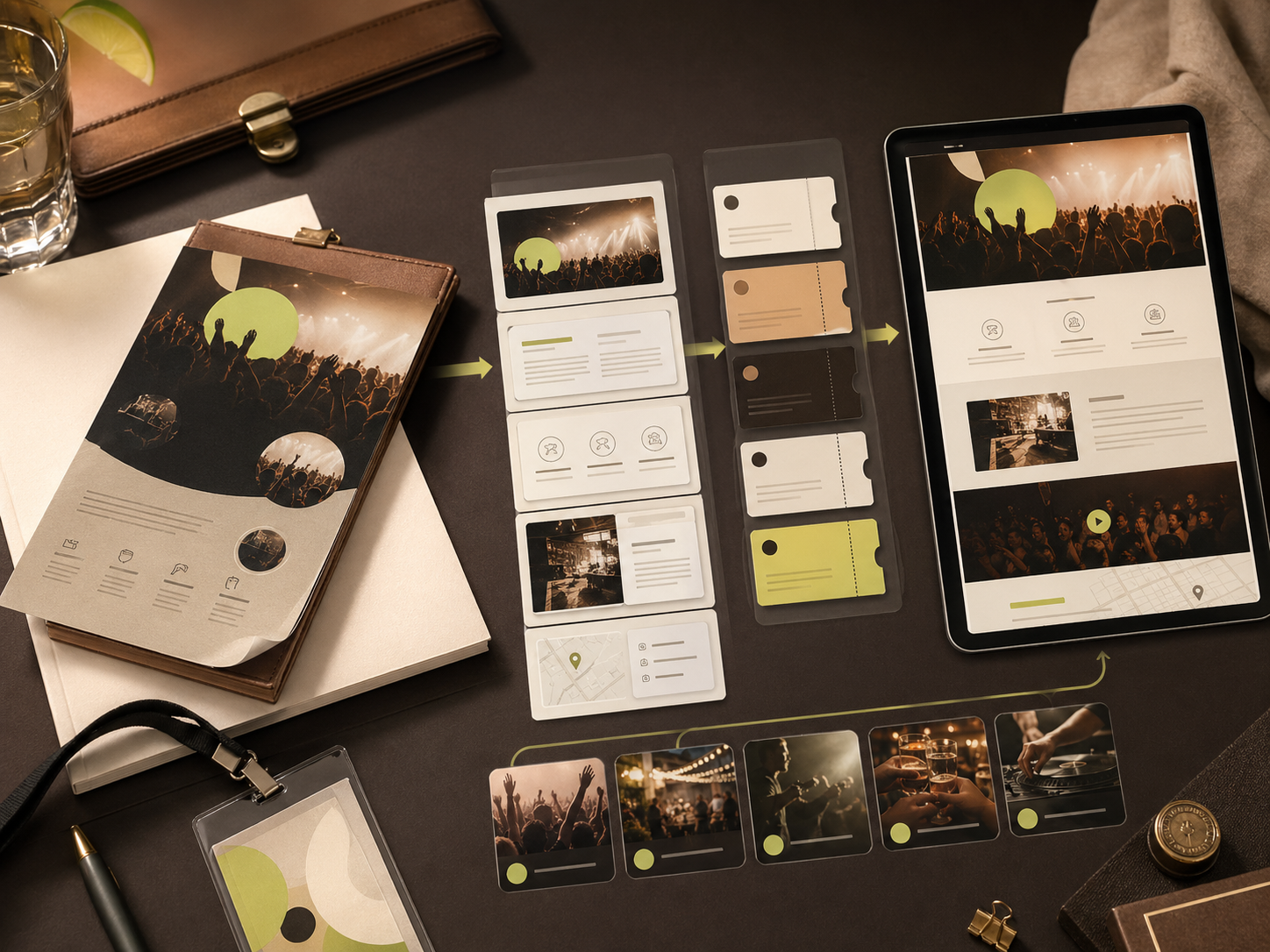
Upload a poster or image source, let AI extract the event signal, then refine the page instead of starting from a form.

Ticket tiers, coupons, questionnaires, QR flows, sponsors, agenda blocks, and host messaging live inside the same design surface.
Turn the event page into campaign copy, audience angles, social posts, and launch notes without leaving the organizer workflow.
AI-assisted launch flow
Great events deserve pages that carry the same intent as the experience itself. EventGo Design brings page composition, brand polish, ticketing details, and AI assistance into one workspace so organizers can move from idea to launch without duct-taping tools together.
Signal intake
Start from a poster, a prompt, a previous event, or a structured draft. EventGo turns loose input into clean event data.
Page composition
Arrange modules, tune visual style, edit content inline, hide or add sections, and keep a live page preview next to the controls.
AI refinement
Use AI for titles, descriptions, schedules, FAQs, audience targeting, and page polish while preserving organizer decisions.
Launch layer
Add tickets, coupons, questionnaires, sponsors, maps, and host messaging before pushing the event page live.
Turn a flyer, a concept, or a venue announcement into a polished page before momentum fades.
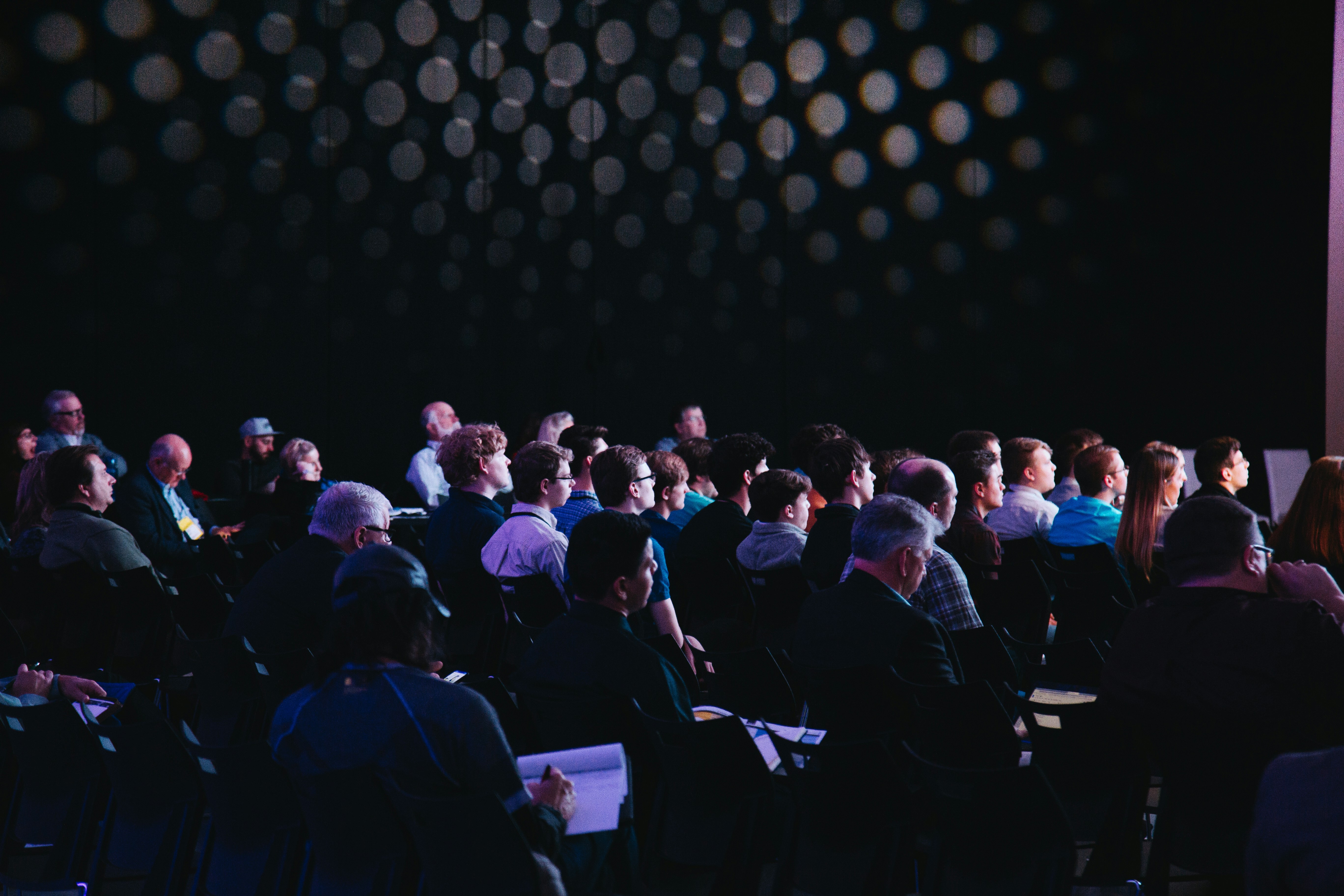
Keep agenda, tickets, sponsors, location, and guest intake connected to the public page experience.
Move from page content to campaign angles, social hooks, and audience-specific promotion copy.
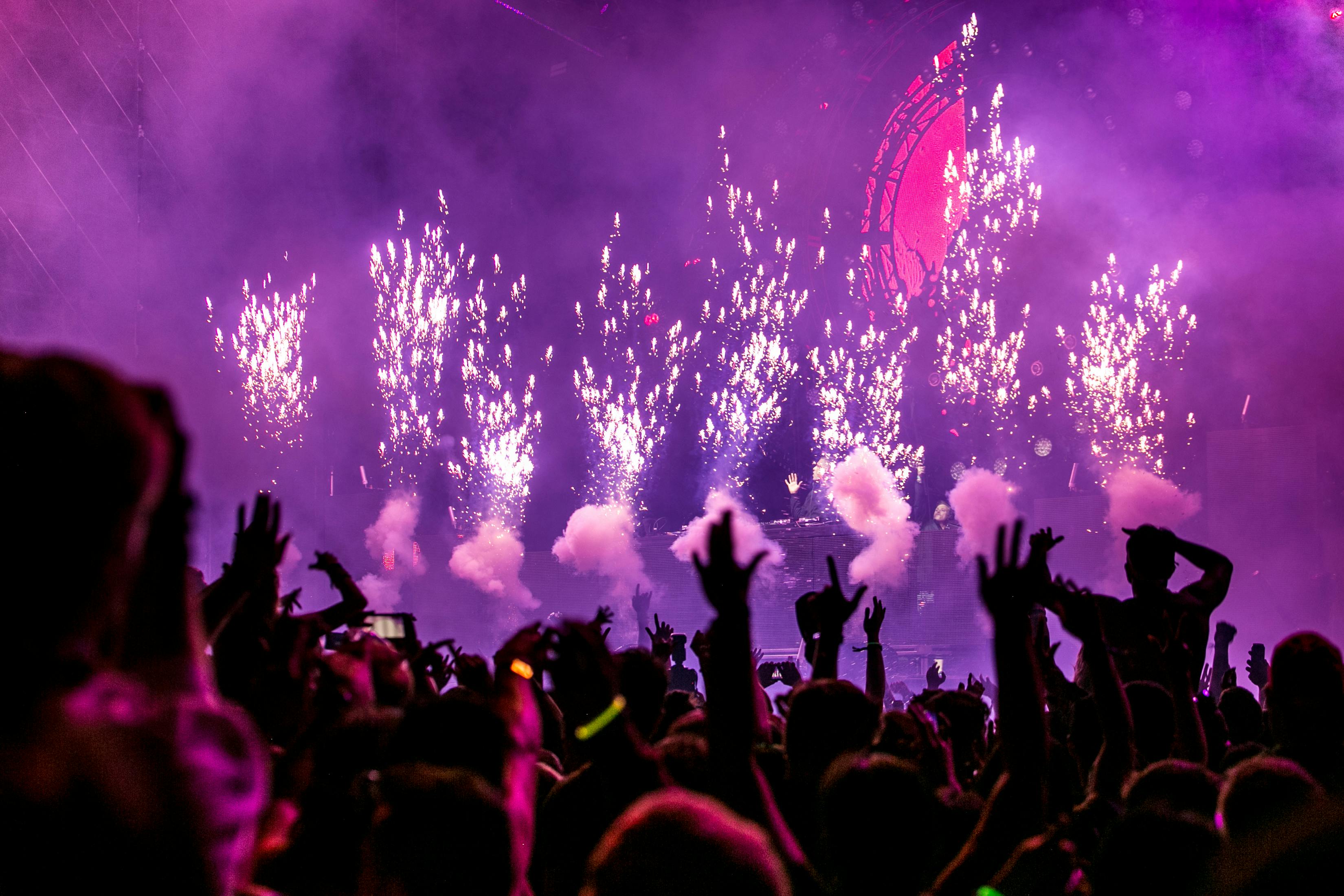
Preview the page as guests will see it, then tune the style until the event feels intentional.
Organizer proof
“EventGo Design feels closer to a launch room than a form. The AI helps us move faster, but the page still looks like it was directed by our team.”
Maya Chen
Community program lead
This is the organizer-facing product story: professional page building, AI assistance, event operations, and promotion in one surface that deserves its own destination.